

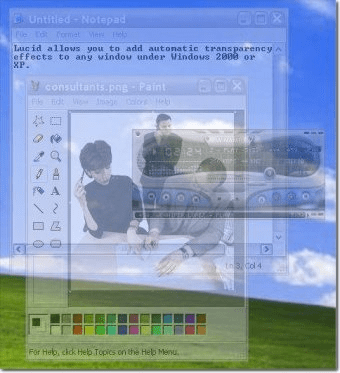
Lucid adds automatic transparency effects to windows with a simple drag and drop. It uses window class names for identification, and can be enabled or disabled quickly with its system tray interface.
Lucid will add automatic transparency effects to any window. Adding a window is as simple as dragging an icon over it. Once a window is added to Lucid's list it will automatically switch between the user defined minimum and maxium transparency. Lucid uses the window's class name for identification, so it is easy to add all windows from an application by dragging the mouse over any of its windows. Lucid can be enabled and disabled quickly using its system tray interface.



Comments